Component explorer/Workplace Training
Design reference
RESULTS WEBSITE FAMILY • DESIGN SYSTEM v0.6.1

One system.
Distinct identities.

Explore the reusable elements behind our websites. Switch themes to see how shared geometry, typography and interaction patterns adapt to each Results business.

01 / FOUNDATIONS

Typography & colour

Clear hierarchy, calm spacing and a distinct accent for every business.

DISPLAY / MANROPE
Confidence
starts here.
SECTION HEADING

Training that makes a difference.

Purposeful, accessible and consistently readable across every screen size.

ACTIVE COLOUR PALETTE
PRIMARY#23394B
ACCENT#7D3C55
SURFACE#F7F3F5

The first two themes use established brand colours. Parent and public themes remain proposals.

02 / ACTIONS

Buttons & calls to action

Consistent shapes, emphasis and keyboard focus.

BUTTON VARIANTS
PROMOTIONAL CTA PANEL
LET'S GET STARTED

Ready to make a difference?

One focused action, with the right brand identity.

03 / CONTENT

Cards & products

Reusable presentation for courses, referrals and equipment.

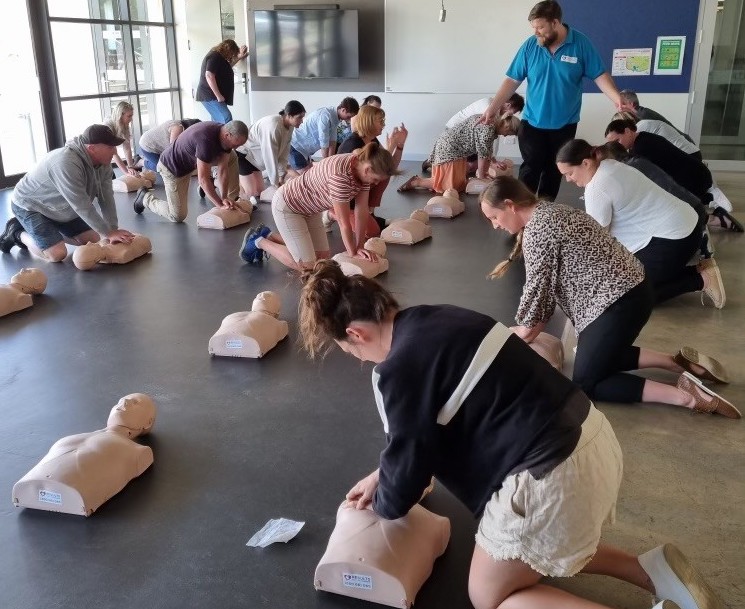
Instructor demonstrating practical first aid training
FIRST AID TRAINING
HLTAID011

Provide First Aid

Practical, nationally recognised first aid training for confident workplace response.

Explore training ↗
EQUIPMENT
FIRST AID EQUIPMENT

Workplace first aid kit

A consistent product presentation for the Services store.
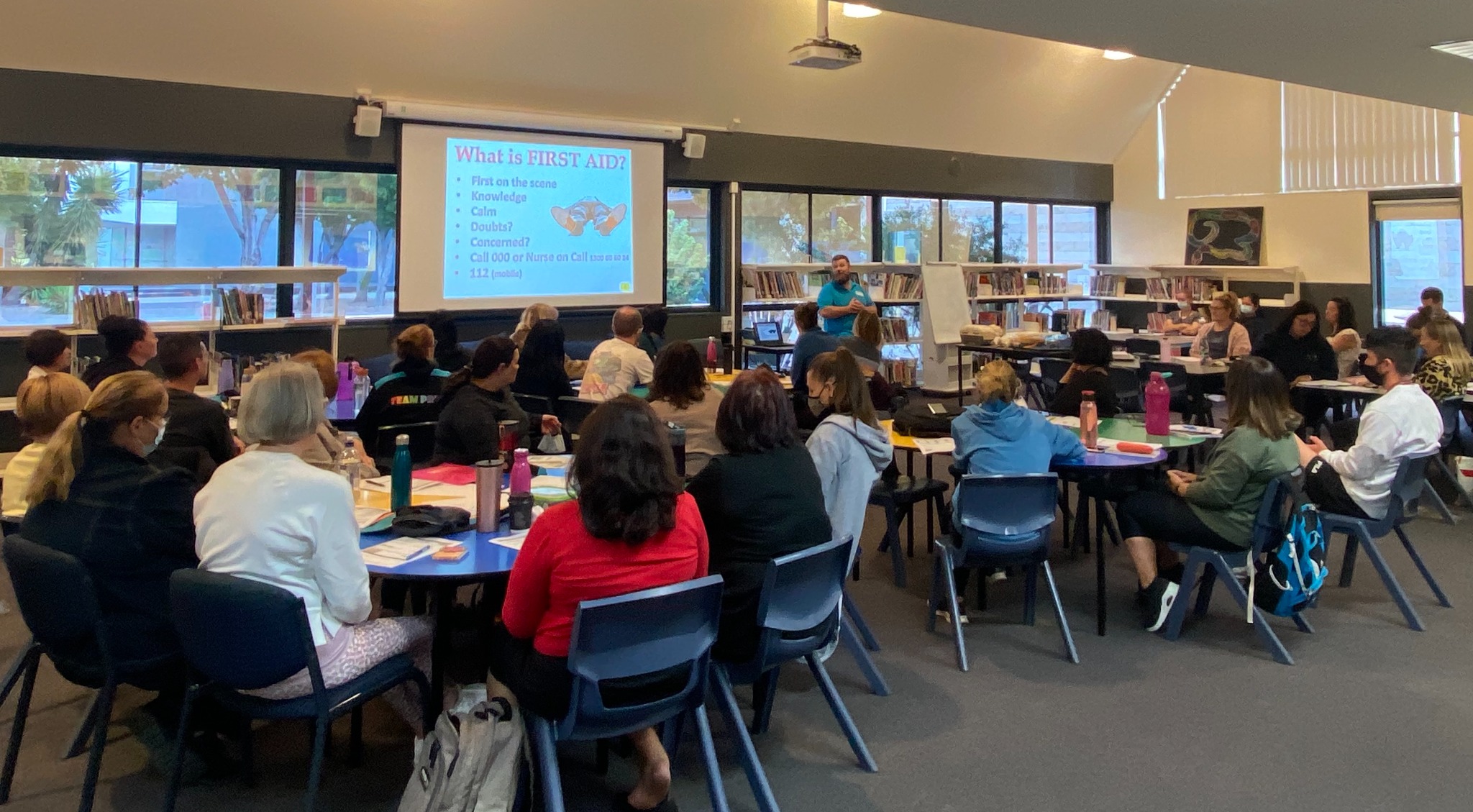
Group participating in workplace training
EDITORIAL / FEATURE CARD

Real people.
Real expertise.

Genuine photography, generous whitespace and focused messaging.

Explore layouts ↗
04 / INPUTS

Forms & controls

Accessible fields with validation and consistent interaction.

ENQUIRY FORM EXAMPLE

Tell us what you need.

Demo only. Nothing is submitted or stored.

05 / INTERACTIONS

Interactive components

Try the elements: accordions, tabs, quantities and dialogs.

FAQ / ACCORDION
How does the shared library work?
Components share structure and behaviour. Each website supplies its own content, theme and integrations.
Can websites have different colours?
Yes. The component geometry stays consistent while brand-specific variables change the palette.
Does this connect to live systems?
No. The showcase is an isolated visual reference, not a booking or ecommerce application.
TABS / STATE

Clear, helpful information

Use tabs when related information benefits from compact navigation.

QUANTITY CONTROL
06 / COMPOSITION

Sections & responsive layouts

Panels stay rounded with visible gutters and become square at viewport edges.
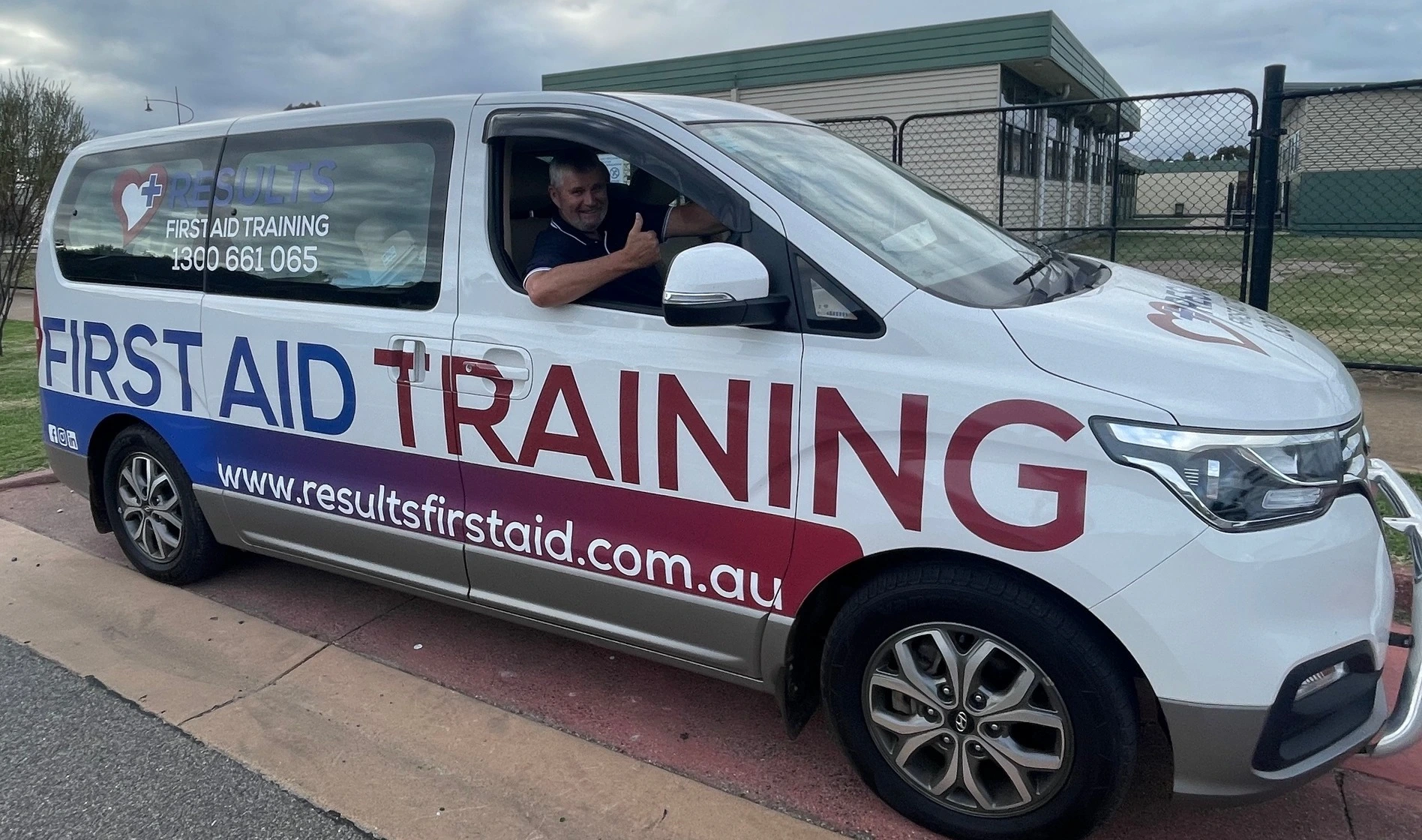
Results training vehicle
SPLIT FEATURE

Designed to work everywhere.

Content, imagery and whitespace align with the established Results website language.

EDGE-AWARE PANEL

Rounded when inset.
Square when full bleed.

Resize the browser to see the panel respond to actual viewport edges.

07 / GUIDANCE

Using the system

Adopt existing components before introducing new patterns.

01

Use shared classes

Build with the published component CSS rather than copying styles into individual pages.

02

Configure the theme

Choose the site's brand colours and content without changing shared component geometry.

03

Pin a release

Websites use explicit design-system versions so updates are intentional and reversible.

This explorer uses real library styles and representative content. Some showcase-only layout styling is intentionally separate. Parent and public-training palettes are proposals, not final brand approvals.
MODAL / DIALOG

One clear next step.

This is a working example of a reusable dialog component. No information is submitted.